UI case study
Designed Domus, a responsive property investment app, to simplify complex data into clear, actionable decisions for first-time investors
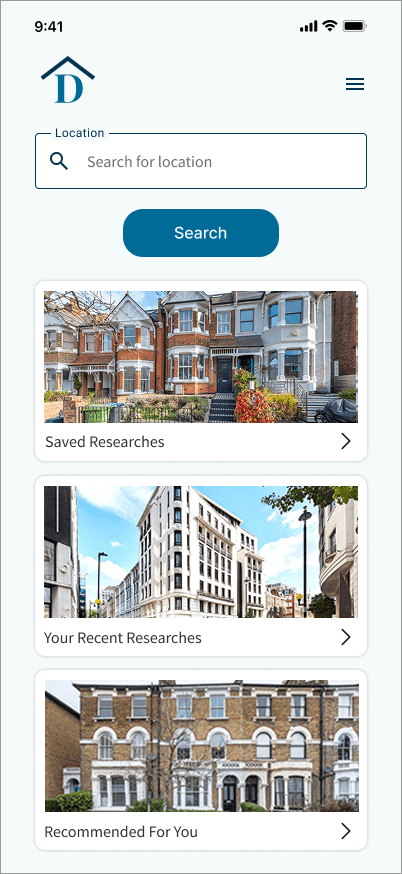
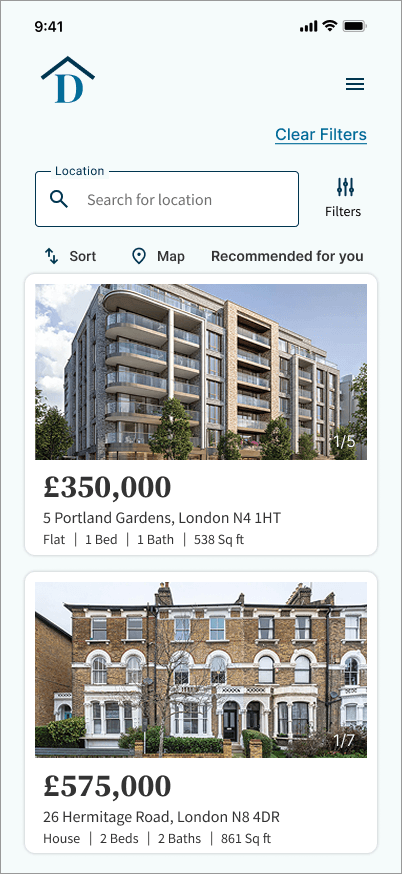

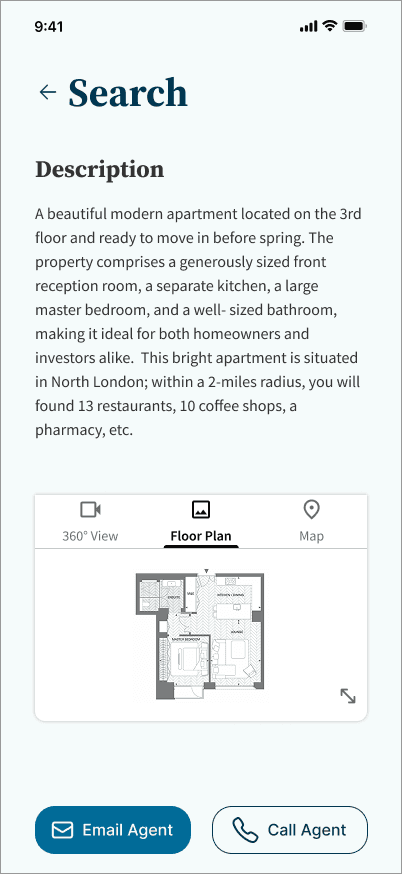
Project Description
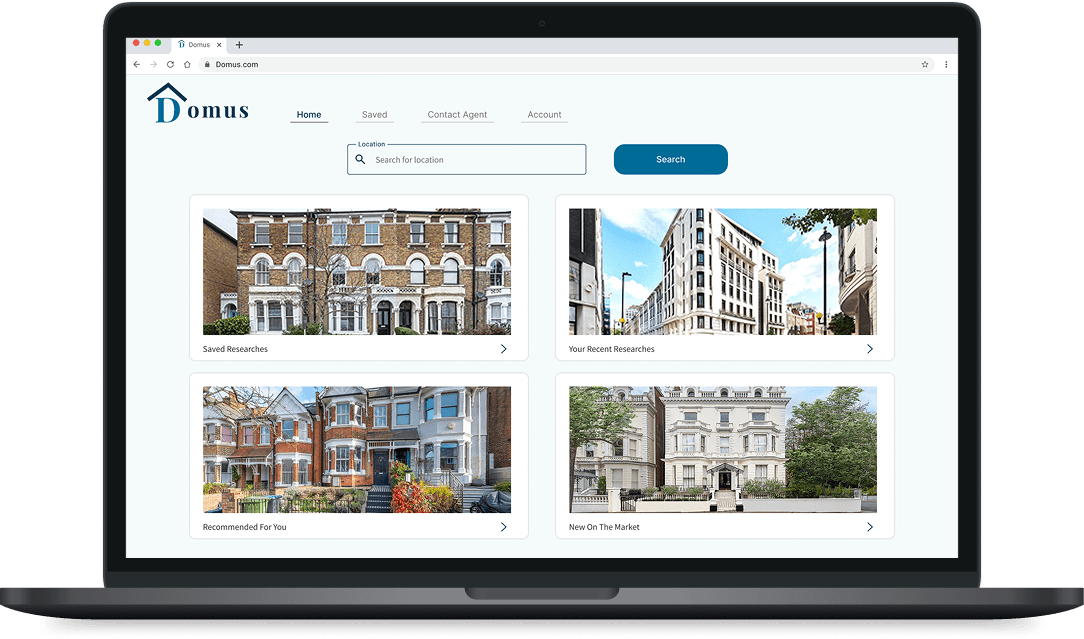
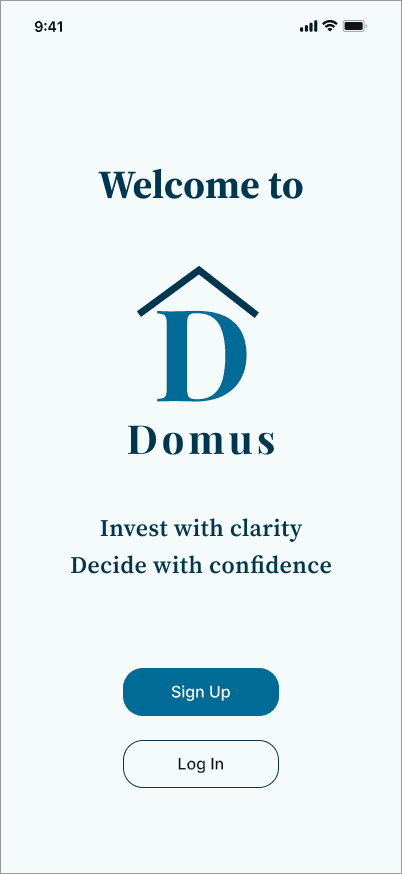
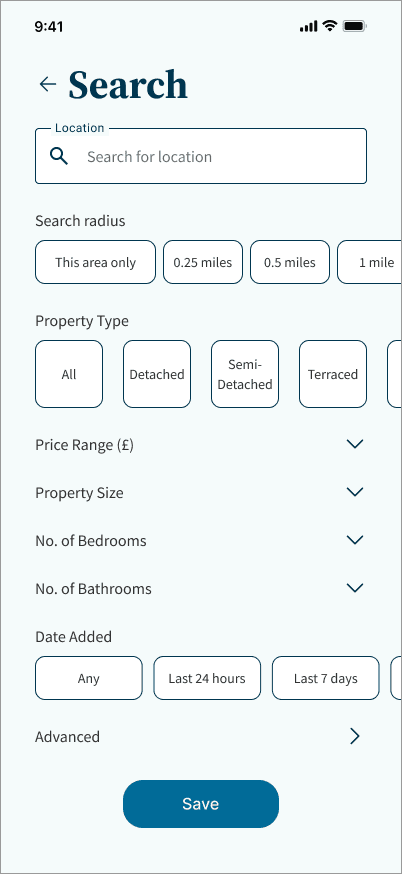
Domus is a responsive web app designed to support new property investors in making informed and confident decisions. The platform structures property data, surfaces personalised recommendations, and provides intuitive search tools to simplify a process that is often fragmented and overwhelming.
The goal was to create a clean, trustworthy, and efficient interface that transforms detailed investment information into clear, actionable insights.
Timeline
3 weeks UI Design sprint
Tools
Figma | Material Design | Mockuuups Studio | Angle | ChatGPT | Lyssna
Design Process
Research Foundation
The project brief and user persona provided the foundation for understanding user needs. The primary user is a time-conscious, tech-savvy professional seeking reliable, structured information to support investment decisions. Three key design priorities emerged from this context:
Information needs to be structured, not just presented.
Navigation and filtering must support quick access over exploratory browsing.
The visual language must reinforce trust in a financial context.
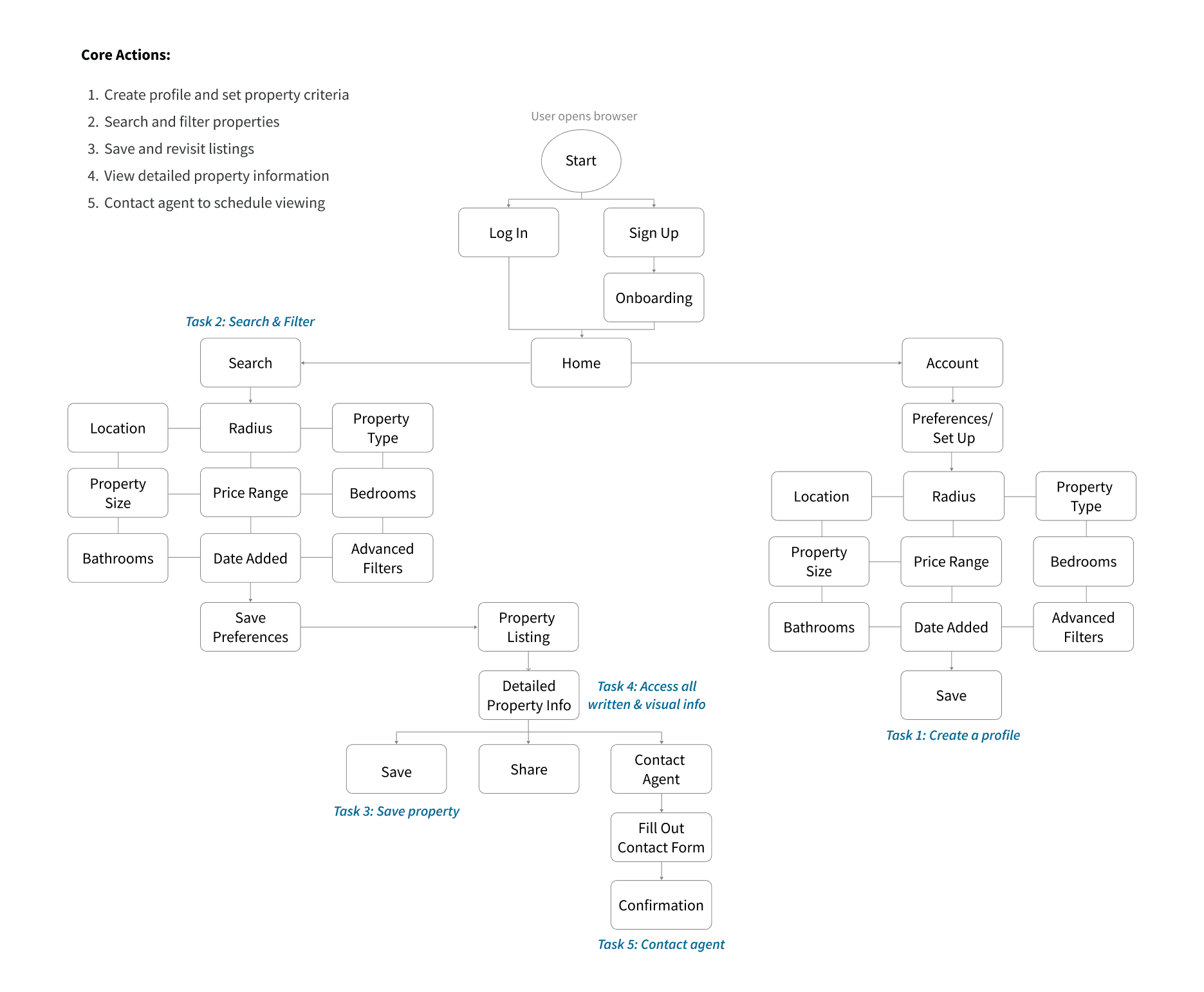
User Flow
The user flow outlines the key steps required for a user to search, evaluate, and save properties efficiently. The structure ensures a logical progression while minimising unnecessary steps.
Visual Direction
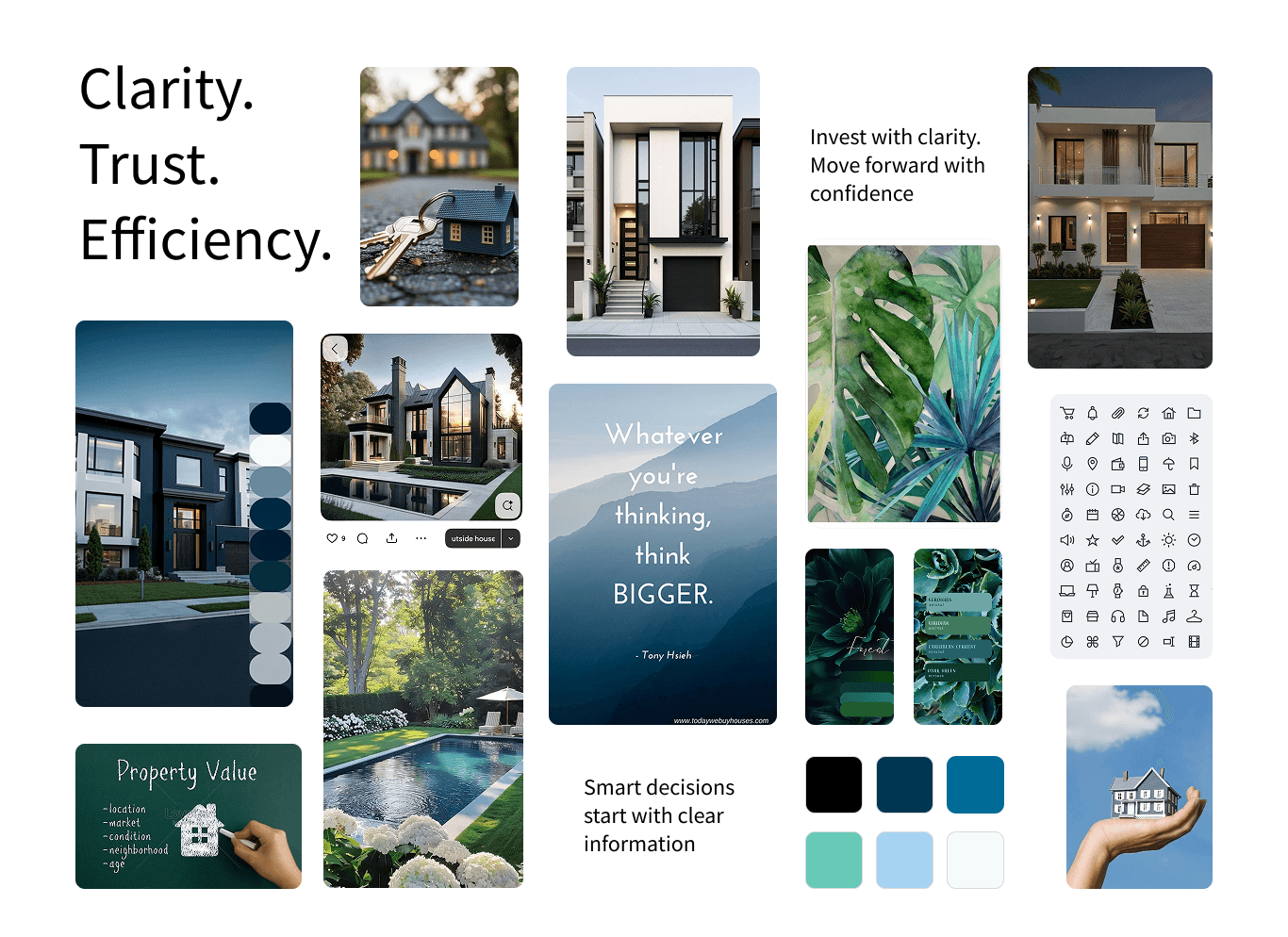
The visual direction was established through a mood board exploration aimed at balancing structure with clarity, an interface that feels reliable and modern without being cold or data-heavy.
A/B Testing
To validate the visual direction before committing to a full design system, an A/B preference test was conducted via Lyssna with 10 participants. 7 out of 10 selected the same direction, confirming the mood board as the foundation for the final colour palette, typographic choices, and overall visual tone of the product.
Design System
The design system was built around three principles: clarity, trust, and efficiency. A structured typographic hierarchy reduces cognitive load across data-heavy screens, while the colour palette establishes credibility without sacrificing approachability. All components were designed to be reusable and scalable, ensuring visual consistency across breakpoints and future feature additions.
Responsive Screens
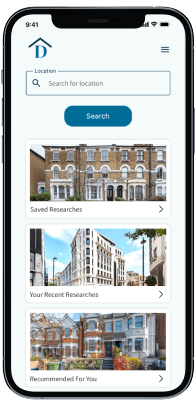
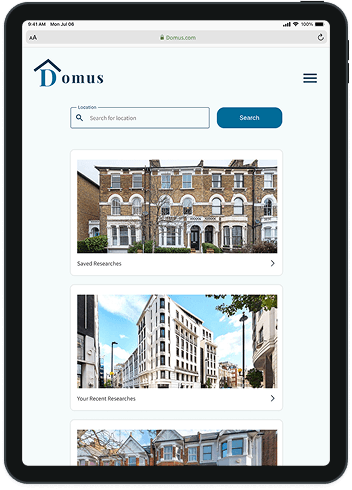
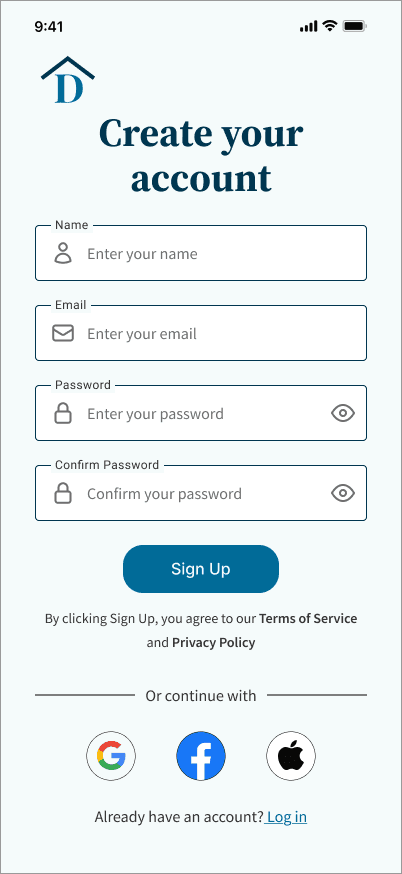
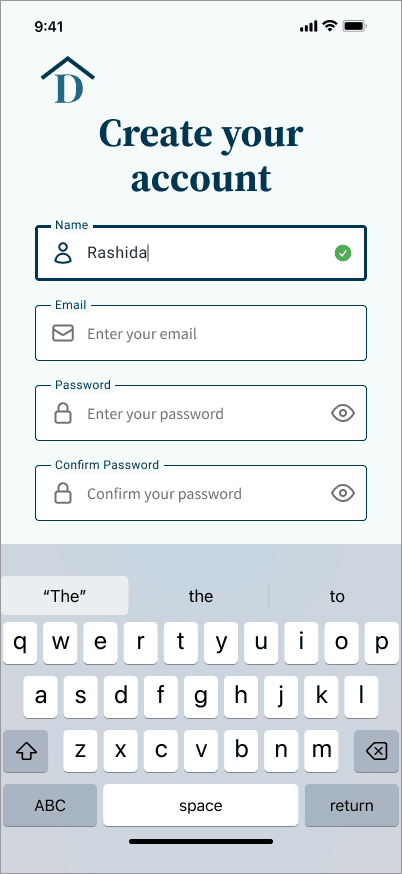
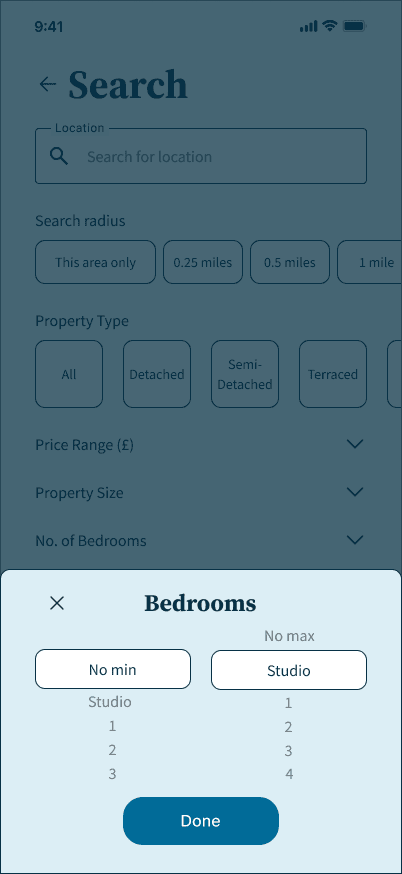
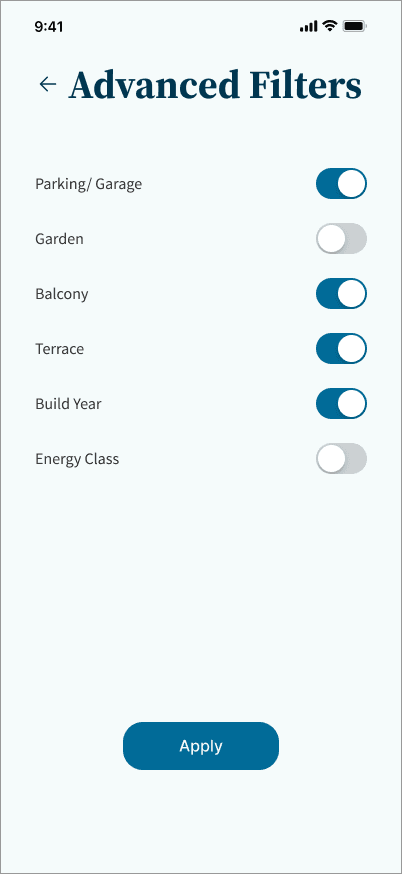
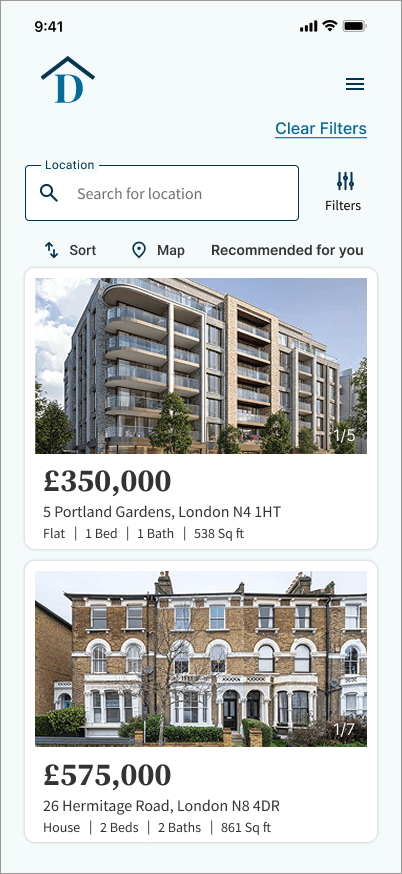
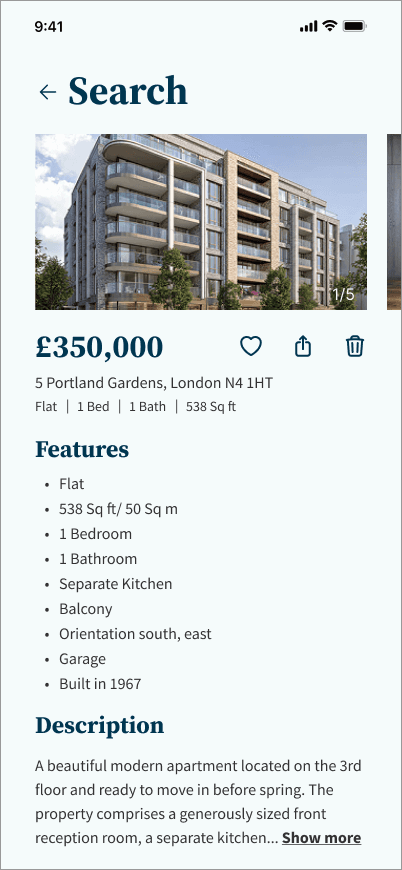
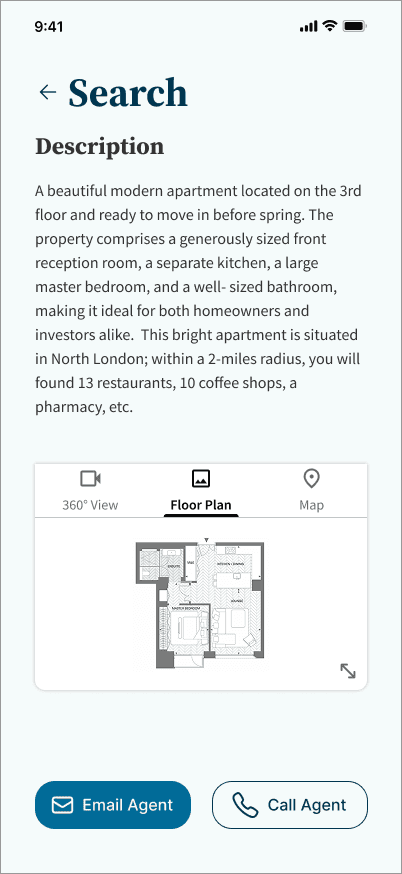
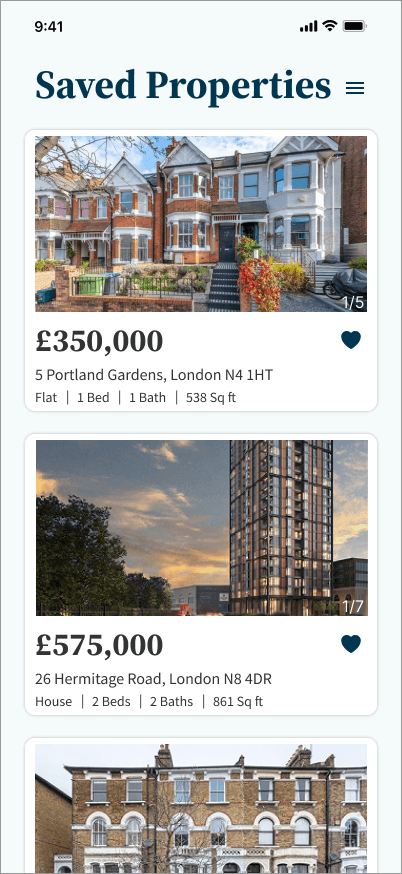
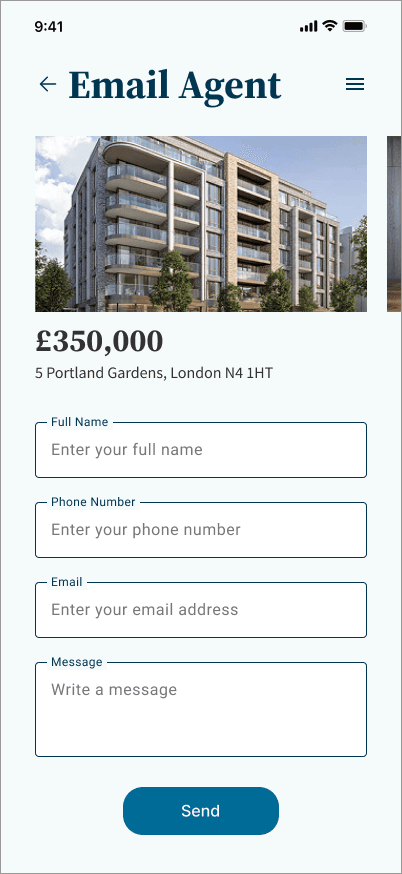
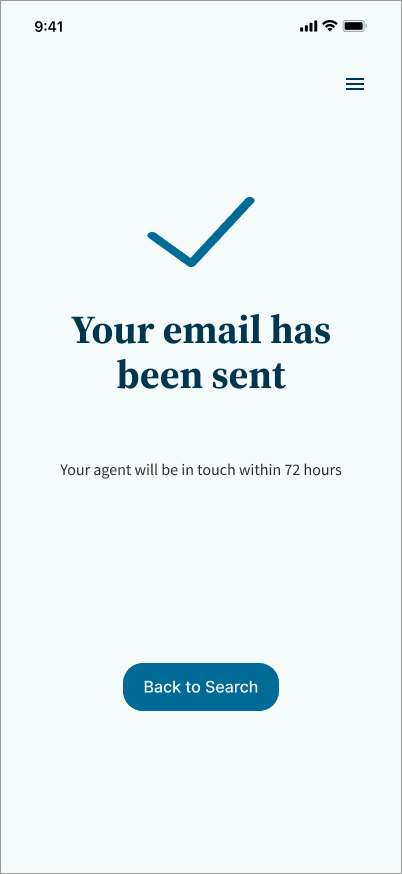
To ensure Domus functions consistently across devices, key screens were adapted across mobile, tablet, and desktop breakpoints. A structured grid system was applied throughout - four columns for mobile, eight for tablet, and twelve for desktop - allowing the interface to scale proportionally while maintaining hierarchy and alignment.
Outcomes
Domus demonstrates how complex investment data can be translated into a clear and intuitive interface. The final design improves information hierarchy, reduces cognitive load, and supports faster decision-making through structured layouts and simplified interactions. Success would be measured through task efficiency, time to evaluate properties, and user confidence when navigating key flows.


Reflections
Challenges
Working without live user data meant design decisions had to be grounded in research principles and validated through preference testing rather than behavioural analytics. This reinforced the importance of building structured rationale into every visual decision from the outset.
Learnings
This project strengthened my ability to build a cohesive interface from a brief and visual direction alone. It deepened my understanding of design systems, typographic hierarchy, and how layout decisions must adapt across breakpoints without losing clarity or consistency.
Future Considerations
A natural next step would be structured usability testing across the core flows - search, filtering, and property evaluation - to identify friction points, refine key interactions, and validate the overall experience with real users.